
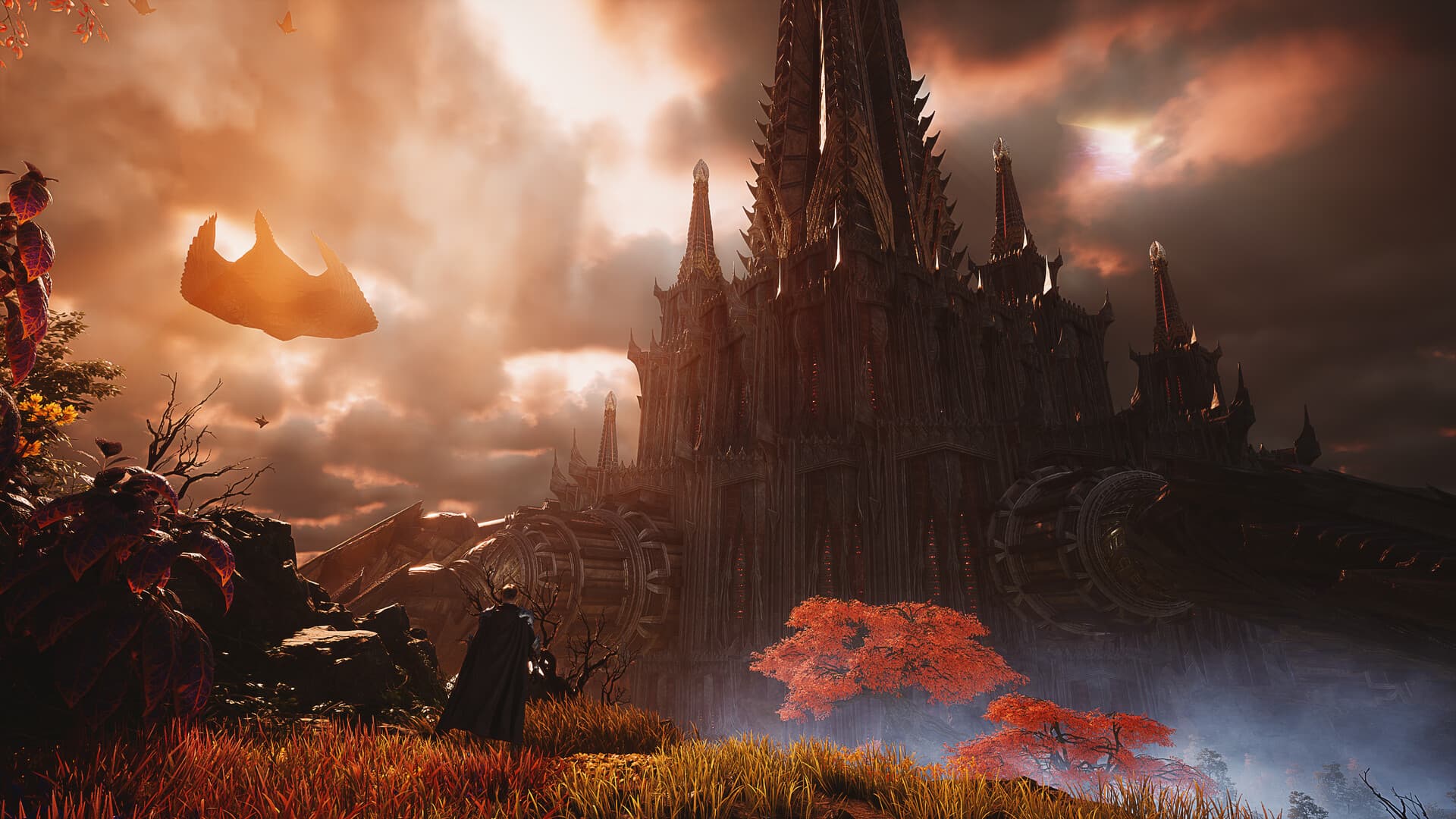
Start AION 2 Global on Windows PC through Steam or PURPLE, then choose your region, faction and class using the information shown for that edition. Steam players can begin without manually linking PURPLE, while the official introduction provides eight class identities and several dungeon formats to help you plan. This beginner guide explains those verified choices; a specific opening quest route, leveling schedule and skill-unlock sequence remain 待确认 — pending confirmation.
Begin with the Global edition
The Global edition launched on October 5, 2026, and its verified launch platforms are Windows PC clients. Korea and Taiwan launched earlier, on November 19, 2025, and their platform announcements include mobile as well as PC. Those announcements describe a different service scope, so they cannot establish a Global mobile release or supply the requirements for your Global installation.
The official Global FAQ lists North America, South America, Europe and Japan as server regions. It also states that character progress from Korea or Taiwan cannot transfer into Global, which matters if you already played an earlier edition. Read a guide’s edition and review date before applying its account advice, rather than treating a familiar game name as proof that every region works the same way.
Choose your official PC client
Your verified starting points are the official Steam listing and the PC download entry on the Global website. Both Steam and PURPLE are identified in the launch FAQ as official Windows clients for Global. The game is free to play, with an optional monthly membership, so distinguish the basic ability to start playing from a separate membership offer.
Steam players do not need to manually link PURPLE merely to begin playing. The FAQ describes linking as relevant to using the same character and progress between the two clients, rather than a universal preliminary Steam step. Decide which account you intend to use and consult that official explanation before attempting to share progress; the precise account screens are not reproduced here without a verified walkthrough.
Check your PC before creating a character
The Steam listing requires Windows 10 or 11 with a 64-bit processor and operating system, DirectX 12, broadband internet and 100 GB of available storage. It lists 8 GB RAM and a GTX 1050 Ti with 4 GB video memory for the minimum specification, while the recommendation lists 16 GB RAM and an RTX 2070 with 8 GB. Both columns recommend an SSD, and the complete processor alternatives appear in our system requirements guide.
The minimum column is associated with FHD and the Very Low preset, while the recommended column is associated with FHD and Low. These are the conditions attached to the official specifications, not a promise that either computer delivers a particular frame rate or high graphics settings. The 100 GB figure is available installation space rather than a verified download-package size, so keep those two questions separate when planning your installation.
Understand the eight class identities
NC presents eight playable classes, each with a distinct combat identity in the official Global introduction. The descriptions are a useful way to choose the style you want to learn, but they do not supply current damage rankings or verified beginner difficulty scores. Begin with the identity that interests you, then use the classes hub to compare the alternatives without assuming that popularity proves performance.
| Class | Identity in the official introduction |
|---|---|
| Gladiator | Frontline warrior with a colossal blade |
| Templar | Guardian defined by a shield and protection |
| Assassin | Unseen approaches and silent attacks |
| Ranger | Hunter associated with carefully placed shots |
| Chanter | Blessings and protection for allies |
| Cleric | Preserving life through healing and light |
| Sorcerer | Destructive arcane power |
| Spiritmaster | Spirits and elemental power |
A shield-focused guardian, an ally-supporting class and an arcane attacker offer different starting identities even before their detailed skills are considered. The official descriptions do not establish a best solo class, a guaranteed party composition, gender restrictions or the availability of class changes. Those details remain 待确认 — pending confirmation, and a complete Global performance ranking needs separate evidence for the activity and update it claims to cover.
Choose between Elyos and Asmodians
The two playable factions are Elyos and Asmodians, both part of the world of Atreia. Their official presentations emphasize different stories and visual identities, with the Elyos associated with light and the Asmodians with shadow. These presentation differences are established information, but they do not justify inventing a racial damage advantage or a universally superior choice.
If you are starting alongside friends, compare the region, server and faction options visible in your own Global clients before making character decisions. That is a planning check, not a verified claim about cross-faction parties or the rules for later server transfers. Cross-faction grouping, faction switching and any server-transfer conditions remain 待确认 — pending confirmation in the material collected for this guide.
Learn what flight and combat emphasize
The official Steam introduction places flight at the center of exploring and fighting as a Daeva. It describes a world designed around verticality and emphasizes precision, timing and positioning in combat, rather than presenting flight only as transport. It also describes skill chaining and adapting a class to a playstyle, without giving this guide a verified rotation, skill order or unlock timetable.
Use those descriptions to decide what you want to understand when the client introduces its controls. Movement, targeting and the relationship between position and combat are useful questions to bring to the game, but a particular key binding or sequence of tutorial actions has not been verified here. An exact opening tutorial, first quest checklist and early skill progression therefore remain 待确认 — pending confirmation, rather than being replaced with a generic route presented as tested gameplay.
Recognize different dungeon formats
The official introduction describes more than 200 dungeons across solo challenges, five-player party content and ten-player group dungeons. These are distinct activity formats, so a recommendation written for one should not silently become a recommendation for all of them. The description confirms the formats, but it does not supply the first unlock level, an entry location, a required equipment score or the rewards for an individual dungeon.
The Steam description also mentions seasonal challenges, competitive rankings, open-world events and the Abyss in relation to PvE and faction warfare. These are announced features of the Global presentation, not a verified daily schedule or a list of mandatory beginner chores. Before treating an activity as your next progression step, its current access conditions and rewards need confirmation; the collected sources do not support a leveling shortcut or an endgame checklist.
Plan appearance without assuming availability
NC describes over 200 character-customization options and collectible outfits, mounts and wings. The customization count is not an outfit inventory count, and an item shown in promotional imagery is not proof of its current shop price or acquisition method. Our outfits guide explains the confirmed categories while keeping item-specific availability and equipping steps separate from the official overview.
For your first session, the verified foundation is therefore the correct edition, an official PC client, compatible hardware and an informed class and faction choice. Read the download guide if choosing the client is your immediate question, or the login help page if you cannot reach character creation. Continue with the information actually established for Global, while leaving missing quest routes, builds, prices and error fixes marked 待确认 — pending confirmation instead of borrowing them from another edition.