
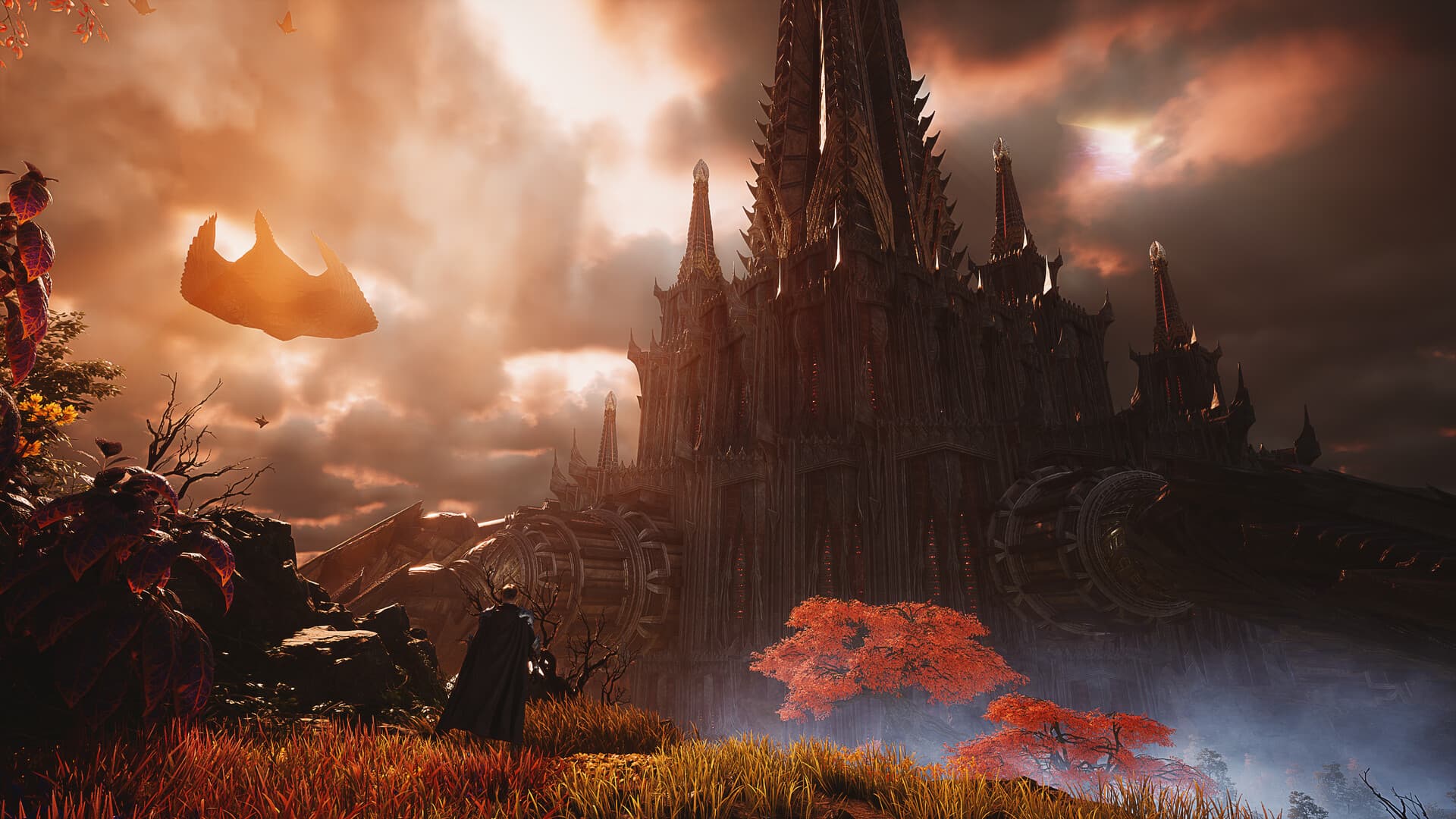
AION 2 system requirements for Global specify Windows 10 or 11 in 64-bit form, DirectX 12, broadband internet and 100 GB of available storage. The minimum GPU is a GTX 1050 Ti with 4 GB and 8 GB system RAM, while the recommended GPU is an RTX 2070 with 8 GB and 16 GB system RAM. These official Steam specifications were checked on October 7, 2026, and are associated with FHD Very Low or FHD Low presets rather than a verified FPS guarantee.
Compare the official minimum and recommended specifications
The two columns below reproduce the hardware and environment listed for the Global Windows release, with processor alternatives separated for easier comparison. Both require a 64-bit processor and operating system, and both recommend an SSD. The listed storage amount is available space for installation, not a verified measurement of the compressed download transferred by a launcher.
| Component | Minimum | Recommended |
|---|---|---|
| Operating system | Windows 10 or 11, 64-bit | Windows 10 or 11, 64-bit |
| AMD processor | Ryzen 5 2600 | Ryzen 7 3700X |
| Intel processor | Core i5-10500 | Core i7-11700 |
| System memory | 8 GB RAM | 16 GB RAM |
| Graphics card | NVIDIA GTX 1050 Ti, 4 GB | NVIDIA RTX 2070, 8 GB |
| DirectX | Version 12 | Version 12 |
| Network | Broadband internet | Broadband internet |
| Available storage | 100 GB | 100 GB |
| Display and preset | FHD, Very Low | FHD, Low |
| Storage note | SSD recommended | SSD recommended |
Read the table as a set of conditions attached to the official listing rather than as a benchmark report. An AMD processor and an Intel processor in the same column are alternatives, not two processors required together. A computer’s suitability for a higher resolution or a different visual target remains 待确认 — pending confirmation when the collected material contains no corresponding performance test.
Understand the Windows and processor requirements
Windows 10 and Windows 11 are both named in the Steam requirements, with a 64-bit operating system and processor required. The listing does not provide a supported build-number range, a separate Windows Server configuration or installation instructions for modifying an unsupported operating system. Those details remain 待确认 — pending confirmation, so keep the published Windows requirement separate from an unverified compatibility workaround.
The minimum CPU alternatives are AMD Ryzen 5 2600 and Intel Core i5-10500, while the recommended alternatives are Ryzen 7 3700X and Core i7-11700. These are model names supplied by the official source, not a measured ranking of every processor that a player might own. The source does not establish equivalent alternatives, CPU-specific frame rates or an upgrade comparison, so this guide does not invent those results from a product name alone.
Distinguish system RAM from video memory
The minimum column specifies 8 GB of system RAM, and the recommended column specifies 16 GB. The graphics requirements separately identify 4 GB on the minimum GTX 1050 Ti and 8 GB on the recommended RTX 2070. These are separate items in the official table, so the graphics-card memory figure should not replace the system-memory requirement when you compare your hardware.
The collected listing does not provide a memory-usage graph, an exact background-application allowance or a claim that extra RAM produces a particular performance gain. Those questions remain 待确认 — pending confirmation, even though the two published RAM requirements themselves are clear. Compare the complete minimum or recommended column rather than treating one matching memory number as proof that every other component satisfies the listed conditions.
Read the graphics presets exactly as published
The minimum graphics card is the NVIDIA GTX 1050 Ti with 4 GB, and its additional note pairs FHD resolution with the Very Low preset. The recommended graphics card is the NVIDIA RTX 2070 with 8 GB, paired with FHD and Low. The fact that the second column is called recommended does not change its stated preset into Medium, High or Ultra.
Neither column names a guaranteed frame rate, a 4K target, a ray-tracing requirement or an upscaling mode. Performance on those settings, on different graphics cards or in specific large battles therefore remains 待确认 — pending confirmation. The published presets are useful conditions for understanding the table, but they do not replace testing for the resolution, encounter and visual quality you personally want to use.
Treat 100 GB as available installation space
Steam specifies 100 GB of available storage in both columns, and both additional notes recommend an SSD. The recommendation is stated as a recommendation, so this guide does not rewrite it as a separately verified rule that the game cannot launch from any other storage type. The source also does not provide a drive-speed requirement, an installation benchmark or a loading-time comparison between drives.
The 100 GB requirement is not the same as a confirmed download-package size or the amount transferred during every update. Current network download size, future patch space and installation duration remain 待确认 — pending confirmation in the collected material. Keep those measurements distinct when reading another guide, because a storage requirement cannot establish a precise bandwidth cost or a fixed time to finish downloading.
Understand DirectX and the network requirement
DirectX 12 appears in both the minimum and recommended specifications, together with a broadband internet connection. Those entries establish the listed graphics API and network category for the Global PC release. They do not provide a minimum connection speed, a supported latency range or a guaranteed fix for an error mentioning DirectX during startup.
A DirectX-related search phrase can identify what a reader needs help with without proving the cause of that reader’s error. A current Global error explanation, driver-specific repair sequence or guaranteed network adjustment remains 待确认 — pending confirmation unless separate official or reproducible evidence is available. Use the login help guide to distinguish the client and failed stage rather than converting a hardware requirement into an unsupported troubleshooting promise.
Keep Global platform support separate from other editions
Global’s official PC clients are Steam and PURPLE, and the stored Steam metadata marks Windows as supported with Mac and Linux marked false. The launch FAQ also says Linux and Steam Deck are not officially supported. It says a controller can be used but is not officially supported, which does not establish a fully tested controller configuration or every available mapping.
Korea and Taiwan launched earlier with their own PC and mobile scope, while the verified Global launch date is October 5, 2026. Those earlier mobile announcements cannot define Global’s phone requirements or replace the Windows hardware table above. A Global mobile client, console specifications and unofficial operating-system workarounds remain 待确认 — pending confirmation, rather than being inferred from another edition’s announcement or a community screenshot.
Use the requirements with the official client information
The official Steam listing is the source for these numeric requirements, and the Global FAQ supplies the platform and client distinctions. Our download guide directs readers to the verified PC entry points without inventing an installer walkthrough. Steam players can begin without manual PURPLE linking, while linking is relevant to sharing a character and progress between the two PC clients.
After choosing a compatible official environment, use the beginner guide for the established class identities, factions and dungeon formats. The requirements page does not promise progression results, a maximum graphics setting or a fix merely because a component matches a listed model. Its practical answer is the published specification table and its stated conditions, with untested performance and missing installation details clearly left 待确认 — pending confirmation.