
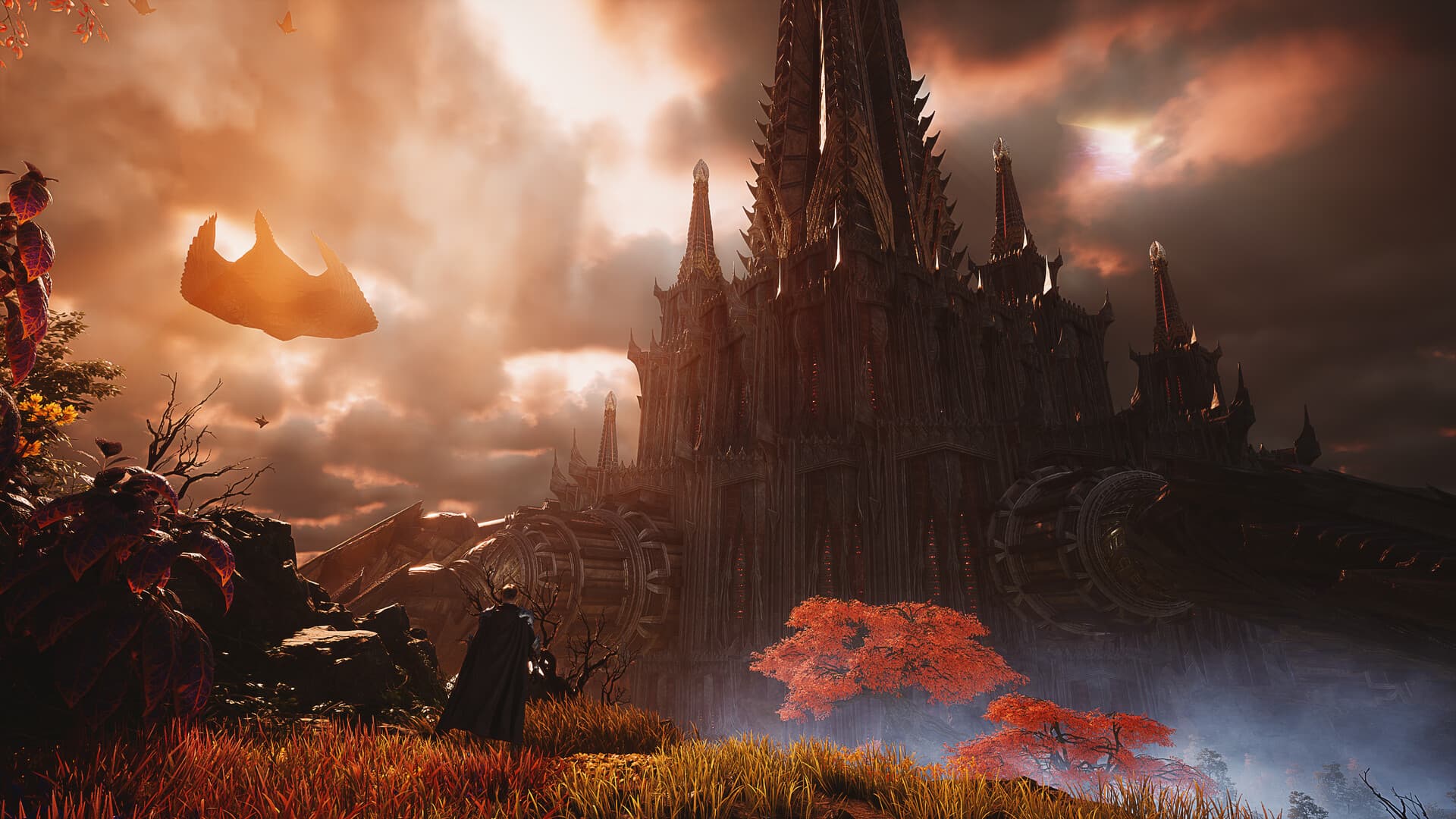
The official AION 2 outfits introduction confirms collectible outfits, wings and mounts alongside more than 200 character customization options. That 200-plus figure counts customization options, not a verified number of costumes in the Global shop. Exact outfit acquisition methods, prices and equipment steps remain unconfirmed in the sources used here. Use this guide to distinguish those systems and decide what to check when choosing your character's look.
Separate the character creator from collectible outfits
Character customization concerns the options used to shape a character's appearance. Collectible outfits are a separate part of the official presentation, even though both contribute to the same overall look. Counting the creator's options therefore does not tell you how many outfits are available. It also does not establish which cosmetics are free, purchased or tied to a particular activity.
The official sources describe the breadth of customization without listing every option or every obtainable costume. Treat that description as confirmation that these appearance systems exist. For a specific item, you still need its actual Global name and current availability information. This distinction is especially useful when a search result combines character presets, clothing and shop items under one heading.
Understand what the official sources confirm
The Global introduction and Steam store description both mention more than 200 customization options. They also describe outfits, wings and mounts as things to collect. Steam separately mentions wings, skins, pets and décor among Shugo Festival rewards. These statements establish categories of appearance and reward content, rather than a complete catalogue with item conditions.
| Feature | What is confirmed | What the statement does not establish |
|---|---|---|
| Character customization | More than 200 options | A count of purchasable costumes |
| Outfits | Collectible appearance items | A current price or acquisition route for each item |
| Wings | Collectible wings; also mentioned among festival rewards | The conditions for obtaining a particular pair |
| Mounts | Collectible mounts | That every pet or visual item becomes a mount |
| Festival rewards | Wings, skins, pets and décor are described | A currently active reward schedule or exact item list |
When someone gives a more specific claim, look for the source that supports that extra detail. A promotional description of the feature cannot confirm an item's shop price or event deadline. Likewise, an image of an outfit cannot explain every rule attached to it. Match the evidence to the question you are trying to answer.
Build a look around your own preferences
Start with a few visual qualities you want your character to express. You might prefer a consistent colour theme, a particular silhouette or wings that suit the clothing you have in mind. Those are personal design choices rather than advantages that need a ranking. They help you compare appearances without relying on someone else's idea of a best outfit.
Consider the whole character when evaluating a screenshot. Clothing, character proportions, wings and the surrounding lighting can all change your impression of a look. If your client provides a preview, compare it from the angles the preview allows. The aim is to judge the appearance you can actually see instead of assuming a promotional image will look identical in every situation.
Check an item's exact identity before chasing it
Keep the item name as it appears in your Global client or an official Global notice. A translated search term or a player nickname may be useful for finding discussions, but it may also refer to a different item. Record the edition and source alongside the name when comparing examples. This reduces the chance of following an acquisition guide for something that is not the item you wanted.
A screenshot should be treated as a visual clue until the item is identified. Check whether the image shows an outfit, character-creator settings, wings or several appearance choices combined. A shared picture can make those parts look like one purchase even when the image itself does not establish that. Ask which component you are trying to reproduce before looking for an exact route.
Read availability and item conditions together
For a particular outfit, check the current official listing or item description for the Global edition. Look for what the listing actually says about who can use it and whether any limit or expiry is stated. If the information is absent, leave the question open instead of assuming a universal rule. This guide does not confirm sharing items between characters, class restrictions, gender restrictions or permanent ownership for unspecified items.
Do the same when comparing an advertised bundle with a single cosmetic. Read which items are included and whether the preview represents the whole offer. A familiar image or a similar name is not enough to settle that question. Understanding the contents first makes a price comparison meaningful when a verified current price becomes available.
Keep prices and acquisition routes item-specific
The official launch FAQ describes Global as free to play with an optional monthly membership. That does not tell us whether a particular outfit is free, included in membership or sold separately. A general business model and an individual cosmetic offer answer different questions. Check the current offer before treating one as evidence for the other.
No verified outfit price, shop path or acquisition sequence is supplied here. When a current official source provides one, the useful details will include the item name, edition, availability period and any stated conditions. A route copied from another region may have different rewards or timing. Keep that uncertainty visible while deciding whether to spend time pursuing a look.
Consider wings and mounts alongside clothing
Wings and mounts are part of the official collectible appearance presentation. They can help define a visual theme, but the description does not provide a complete compatibility or equipment guide. Check the details of the particular item rather than assuming every collectible behaves the same way. An appearance category alone cannot establish a gameplay effect.
The Steam description also makes flight part of combat and exploration. That confirms the importance of the aerial setting without proving that a cosmetic pair of wings improves a character's performance. Keep visual preference separate from any claimed numerical benefit. If an item description makes a specific functional claim, assess that claim on its own evidence.
Treat festival rewards as a feature, not a live checklist
Steam describes the Shugo Festival as a collection of mini-games, including protecting Shugos, pet races and dodging lasers. It mentions wings, skins, pets and décor as rewards. This confirms a reward theme in the official presentation. It does not establish that a particular event or reward is available at the moment you log in.
Before planning around a festival cosmetic, check the current Global notice and the information visible for that activity. Look for the actual reward name, dates and conditions rather than inferring them from the general description. The presence of a reward category does not mean every item in that category shares one acquisition method. Keep a desired cosmetic separate from an assumed event schedule.
Use the Global edition as your reference
This guide covers Global, whose launch FAQ names Windows PC access through Steam and PURPLE. The same FAQ says Korea and Taiwan character progress cannot transfer to Global. Regional appearance releases, shop listings or rewards therefore need their own Global confirmation. A guide with the same game name may still describe a different availability window or edition.
For your next step, identify the look you want and the exact item or creator option involved. Check its current Global description before making plans about cost, acquisition or equipping it. Use the classes hub for combat identities and the beginner guide for starting a character. This keeps appearance choices grounded in confirmed categories while the item-specific details remain open.